 Graylog: Example: Sending logs from Python
This documentation is part of the Using with Python guide. You can view the complete guide here: How to send logs from Python to Graylog.
👋 Welcome to Stackhero documentation
Stackhero offers a fully managed Graylog cloud solution designed for speed and simplicity. You can:
- Count on an unlimited, dedicated SMTP email server included with your service.
- Apply updates easily with a single click, with no manual intervention required.
- Use a custom domain name secured by HTTPS (for example, https://logs.your-company.com), providing your team with secure, direct access.
- Benefit from strong performance and security on a private, dedicated infrastructure with no shared resources or noisy neighbours.
Focus on your data, not your tools: you can get started with Stackhero's Graylog cloud hosting solution in just a few minutes.
For this example, you can use the graypy library. To get started, simply install it with pip install graypy.
Next, create a file named graylog-example.py and replace <XXXXXX>.stackhero-network.com with your server's hostname. Here is a sample script you can try:
import logging
import graypy

my_logger = logging.getLogger('test_logger')
my_logger.setLevel(logging.DEBUG)

handler = graypy.GELFTLSHandler('<XXXXXX>.stackhero-network.com', 12201)
my_logger.addHandler(handler)

my_logger.debug('This is a test from a Python script!')
To view your logs, open the Graylog admin panel, go to the "Search" tab, click the play icon, and set it to update every second. You can run your script with:
python graylog-example.py
Once the script is running, your log message will be sent to Graylog and you should see it appear in the search results.
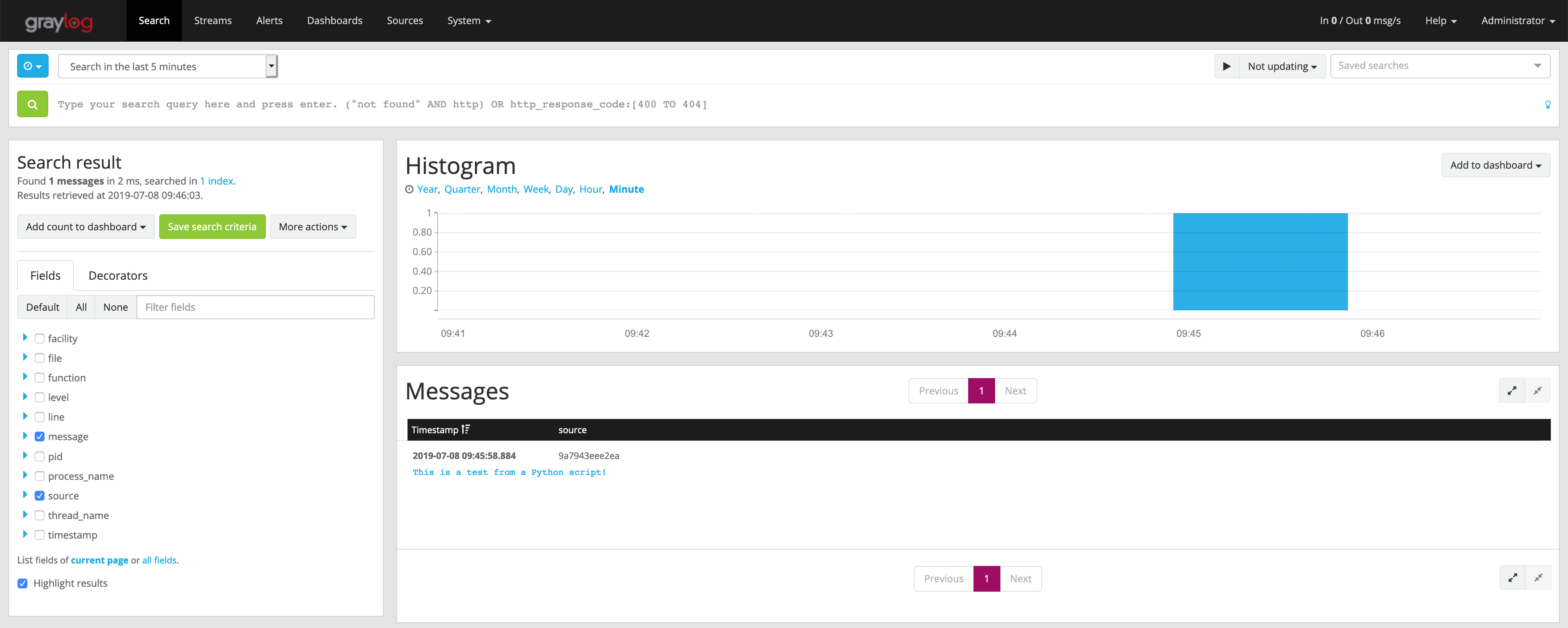 Your first log received on Graylog
By clicking on the message "This is a test from a Python script!", you will see useful details such as the script name and the exact line that generated the log.
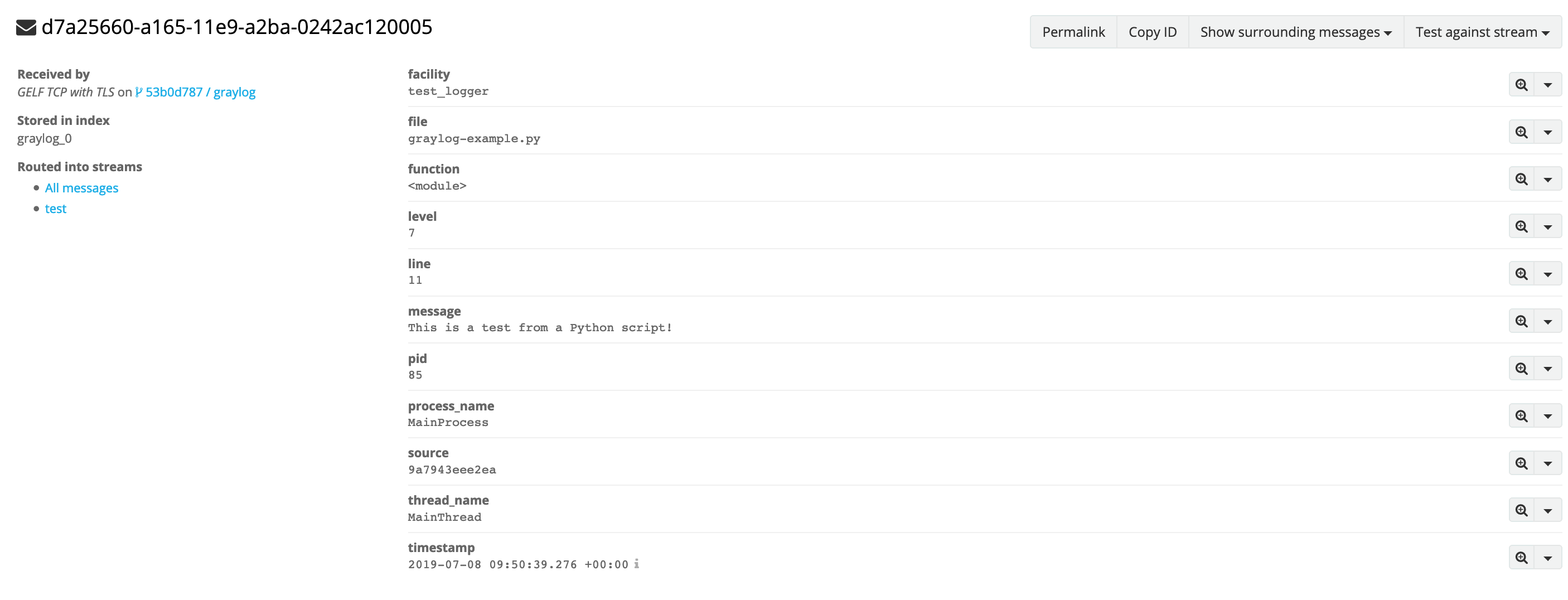 Detailed log