 PHP: Creating the PHP services
This documentation is part of the Deploy with GitHub Actions guide. You can view the complete guide here: How to deploy your PHP code using GitHub Actions.
👋 Welcome to the Stackhero documentation!
Stackhero offers a PHP cloud solution designed for fast, reliable deployments:
- Deploy your PHP application to production in seconds with a simple
git push.- Use your own domain, with automatic HTTPS certificates configured for you—no manual steps required.
- Take advantage of automatic backups, one-click updates, and straightforward, predictable pricing. Stackhero manages these aspects so you can focus on your code.
- Enjoy strong performance and enhanced security on a private, dedicated VM built specifically for your applications.
Save time and streamline your workflow—getting started with Stackhero's PHP cloud hosting takes just a few minutes.
First, log in to your Stackhero dashboard and create two PHP services, one for staging and one for production. For clarity, you may want to rename these services to "Production" and "Staging".
If you do not have a Stackhero account yet, you can create one for free in just two minutes and deploy your PHP cloud services with just a few clicks.
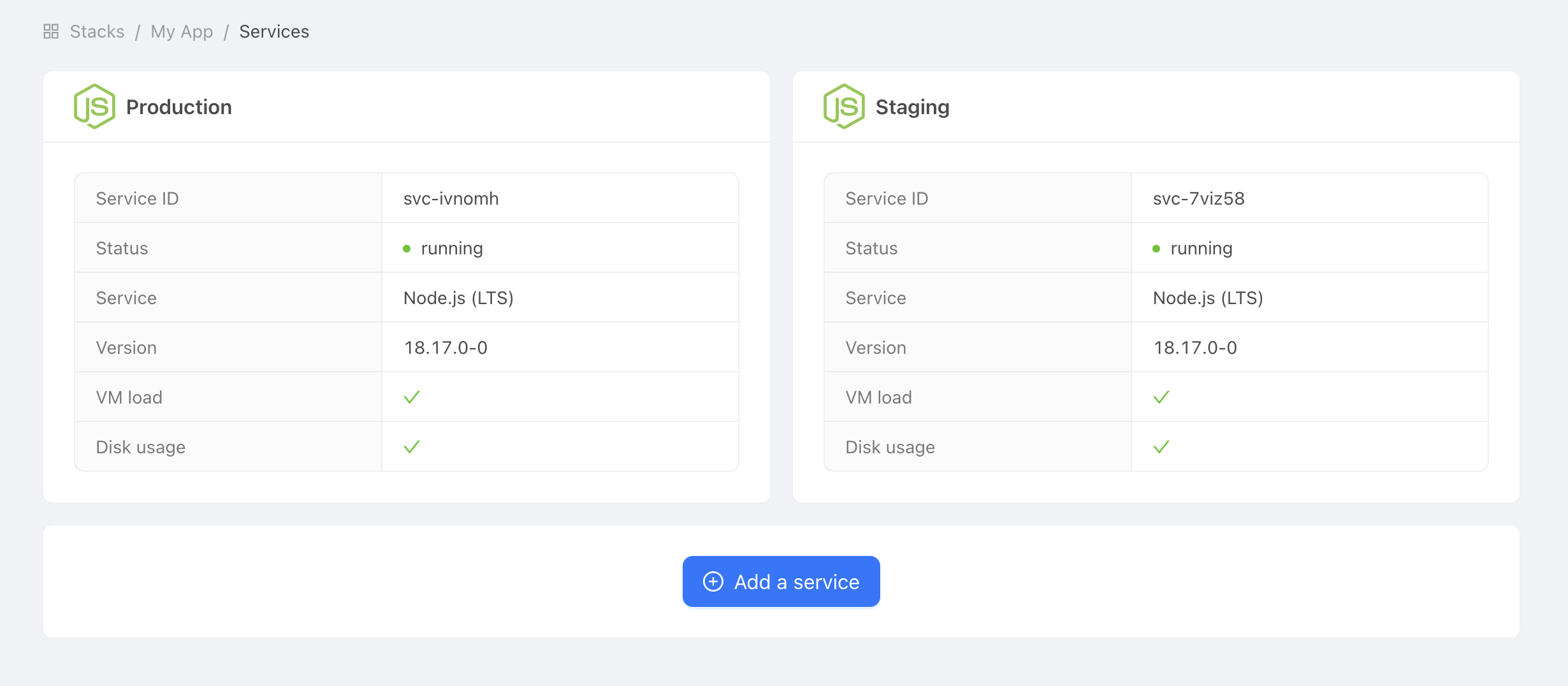 Example of production and staging services