 Ruby: Managing environment variables
This documentation is part of the Ruby on Rails quickstart guide. You can view the complete guide here: Getting started with Ruby on Rails.
👋 Welcome to the Stackhero documentation!
Stackhero provides a ready-to-use Ruby cloud solution that delivers numerous advantages, including:
- Deploy your application in just a few seconds with a simple
git push.- Use your own domain name and take advantage of automatic configuration of HTTPS certificates for enhanced security.
- Benefit from automatic backups, one-click updates, and clear, transparent, and predictable pricing.
- Enjoy optimal performance and enhanced security thanks to a private, dedicated VM.
Save time and make your life easier: it only takes 5 minutes to try Stackhero's Ruby cloud hosting solution!
Environment variables are essential for protecting sensitive data such as API keys or database passwords.
The dotenv-rails gem provides a convenient way to manage environment variables in your development environment. Here’s how to proceed:
-
Add the gem to your Gemfile in the appropriate groups:
# Gemfile gem 'dotenv-rails', groups: [:development, :test] -
Install the gem by running:
bundle install -
Create a
.envfile at the root of your project and define your environment variables. For example:RAILS_ENV=development -
To protect your sensitive data, make sure the
.envfile is excluded from your Git repository. Add the following line to your.gitignore:echo '.env*' >> .gitignore
After completing these steps, restart your Rails server. The environment variables defined in the .env file will then be automatically accessible in your application.
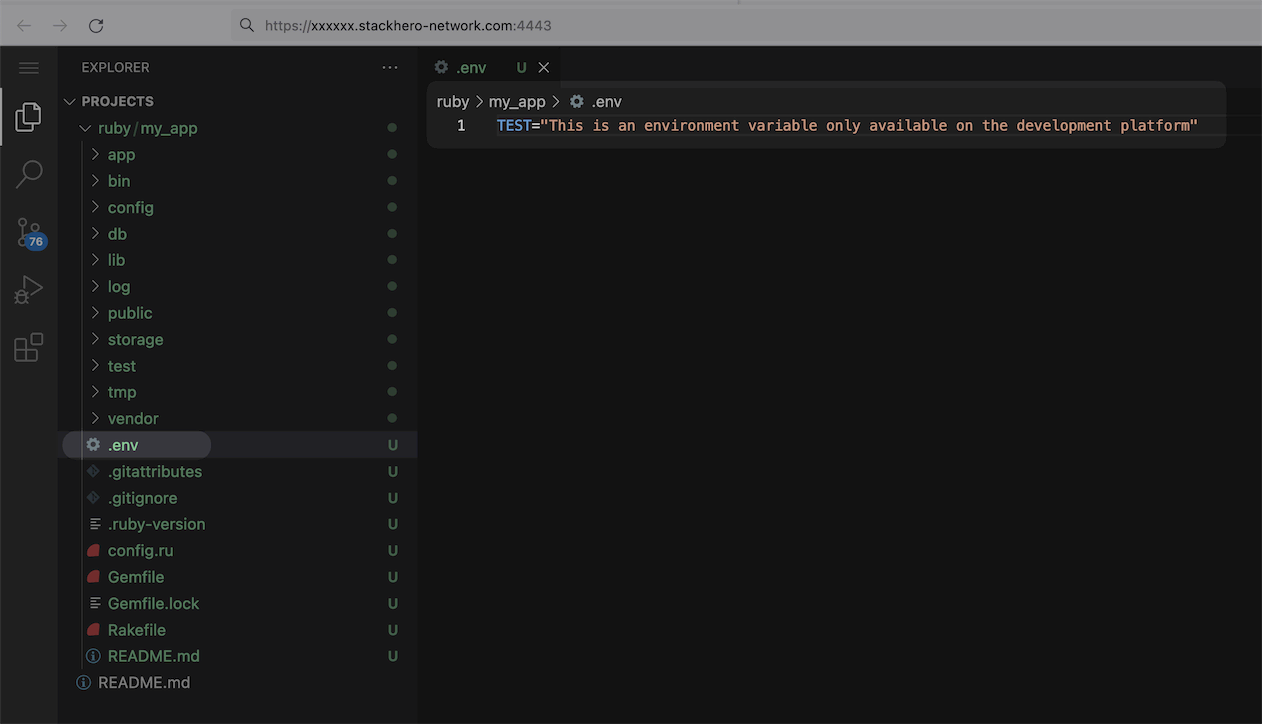 Environment variables for your development platform