 Ruby: Development environment setup
Set up your development environment for a smooth and efficient workflow
👋 Welcome to the Stackhero documentation!
Stackhero provides a ready-to-use Ruby cloud solution offering a range of advantages, including:
- Deploy your application within seconds using a simple
git push.- Use your own domain name and benefit from the automatic configuration of HTTPS certificates for enhanced security.
- Take advantage of automatic backups, one-click updates, and clear, transparent, and predictable pricing.
- Enjoy optimal performance and enhanced security thanks to a private, dedicated infrastructure.
Save time and make your life easier: it only takes 5 minutes to try Stackhero's Ruby cloud hosting solution!
A well-prepared development environment speeds up your work, makes it more enjoyable, and increases reliability.
Working with Ruby: local configuration
A local Ruby environment gives you complete control, but requires a few additional steps. You will need to install Ruby, its dependencies, and the necessary tools yourself.
Installing Ruby with asdf
asdf is a versatile version manager for multiple languages, including Ruby, Node.js, Python, and PHP. It simplifies managing projects with different versions and helps prevent conflicts between tools.
To get started, install asdf by following the official installation guide.
Once installed, you can check that asdf is working by running:
asdf version
If a version number is displayed, asdf is correctly set up.
To install the latest version of Ruby:
asdf plugin add ruby https://github.com/asdf-vm/asdf-ruby.git
asdf install ruby latest
asdf global ruby latest
Verify that Ruby is working:
ruby --version
This confirms Ruby is ready to use.
Creating a Ruby project
Once Ruby is installed:
asdf install ruby latest \
  && asdf global ruby latest
Install Rails:
gem install rails
Create your application (replace my_app with your project name):
rails new my_app
cd my_app
asdf local ruby latest
Start the Rails server:
bin/rails server
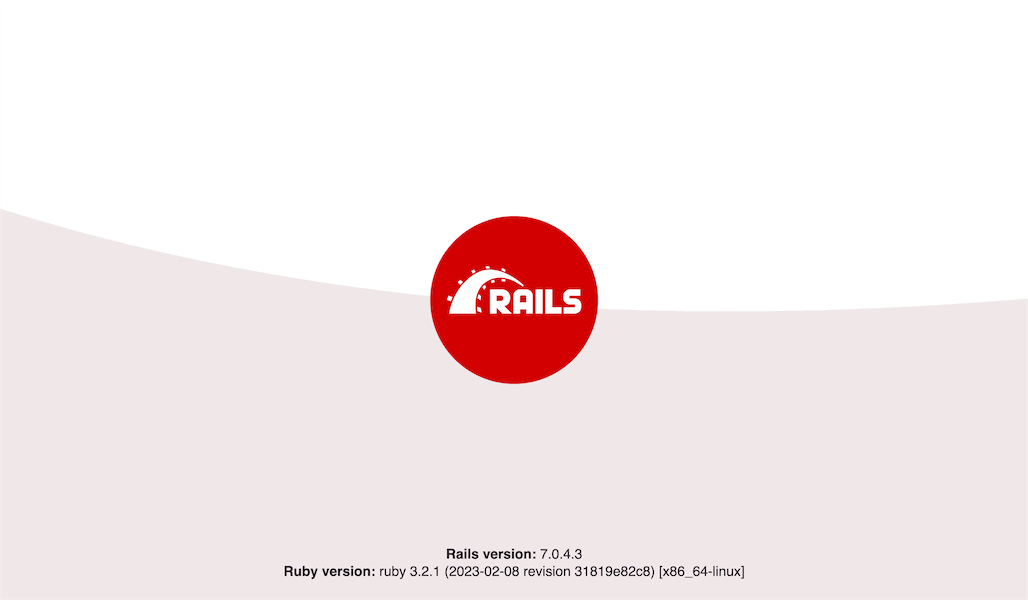 Ruby on Rails welcome screen
These steps provide you with a solid foundation for your project, and asdf ensures you always use the correct Ruby version.
By default, Rails creates a local Git repository for your project, but it is not connected to any remote hosting service.
For reliable version control and backups, you can connect your repository to a service such as GitHub, GitLab, or Bitbucket. Stackhero offers a GitLab cloud service running on dedicated infrastructure, ensuring privacy and security in Europe or the USA.