 Mosquitto: Example: Connecting to MQTT via WebSockets
This documentation is part of the WebSockets guide. You can view the complete guide here: How to connect to MQTT using WebSockets.
👋 Welcome to the Stackhero documentation!
Stackhero provides you with a fully managed Mosquitto MQTT cloud environment, designed for reliability and flexibility:
- Unlimited message throughput and data transfers, so your workflows never encounter artificial limits.
- Unlimited device authentication via your own external API, making onboarding and access management straightforward.
- Advanced ACLs for precise control over topics, users, and actions.
- A custom domain name with integrated HTTPS for secure, branded endpoints (for example: https://mqtt.your-company.com).
- Effortless updates: apply improvements or security patches with a single click.
- Consistent performance and enhanced security, with every instance running on a private, dedicated infrastructure.
Accelerate your IoT projects and reduce operational overhead. You can have a secure, production-ready Mosquitto MQTT cloud hosting instance up and running in just a few minutes.
You can find a practical demonstration for connecting a web application to an MQTT server using WebSockets in this example repository: https://github.com/stackhero-io/mqttWebSocketGettingStarted.
When testing this example, remember to update the src/index.html file with your own server's url, username, and password.
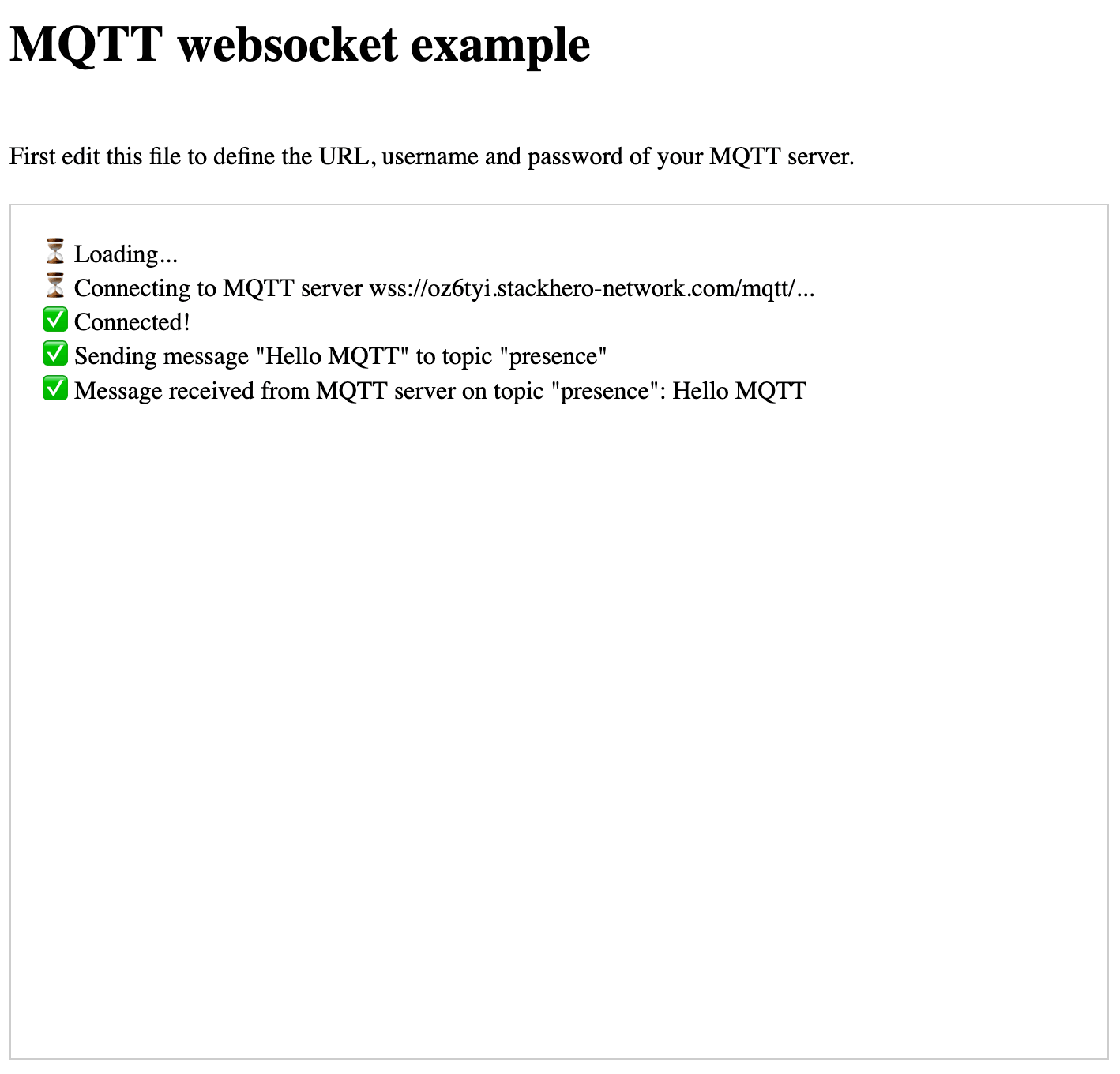 MQTT WebSocket example
Remember to enable WebSocket support in the Stackhero dashboard before proceeding.