 PHP: Creating PHP services
This documentation is part of the Deploying PHP Applications with GitHub Actions guide. You can view the complete guide here: How to deploy your PHP code using GitHub Actions.
👋 Welcome to the Stackhero documentation!
Stackhero offers managed PHP hosting designed for fast, reliable deployments:
- Deploy your PHP application to production in seconds with a simple
git push.- Use your own domain, with automatic HTTPS certificates set up for you. No manual intervention required.
- Take advantage of automatic backups, one-click updates, and straightforward, predictable pricing. Stackhero manages these aspects so you can focus on your code.
- Enjoy robust performance and security on a private, dedicated infrastructure tailored specifically for your applications.
Streamline your workflow and save time. Getting started with Stackhero's PHP hosting for Laravel and Symfony only takes a few minutes.
First, log in to your Stackhero dashboard and create two PHP services, one for staging and one for production. For clarity, you may wish to rename these services to "Production" and "Staging".
If you do not have a Stackhero account yet, you can create one for free in just two minutes and set up your managed PHP hosting with just a few clicks.
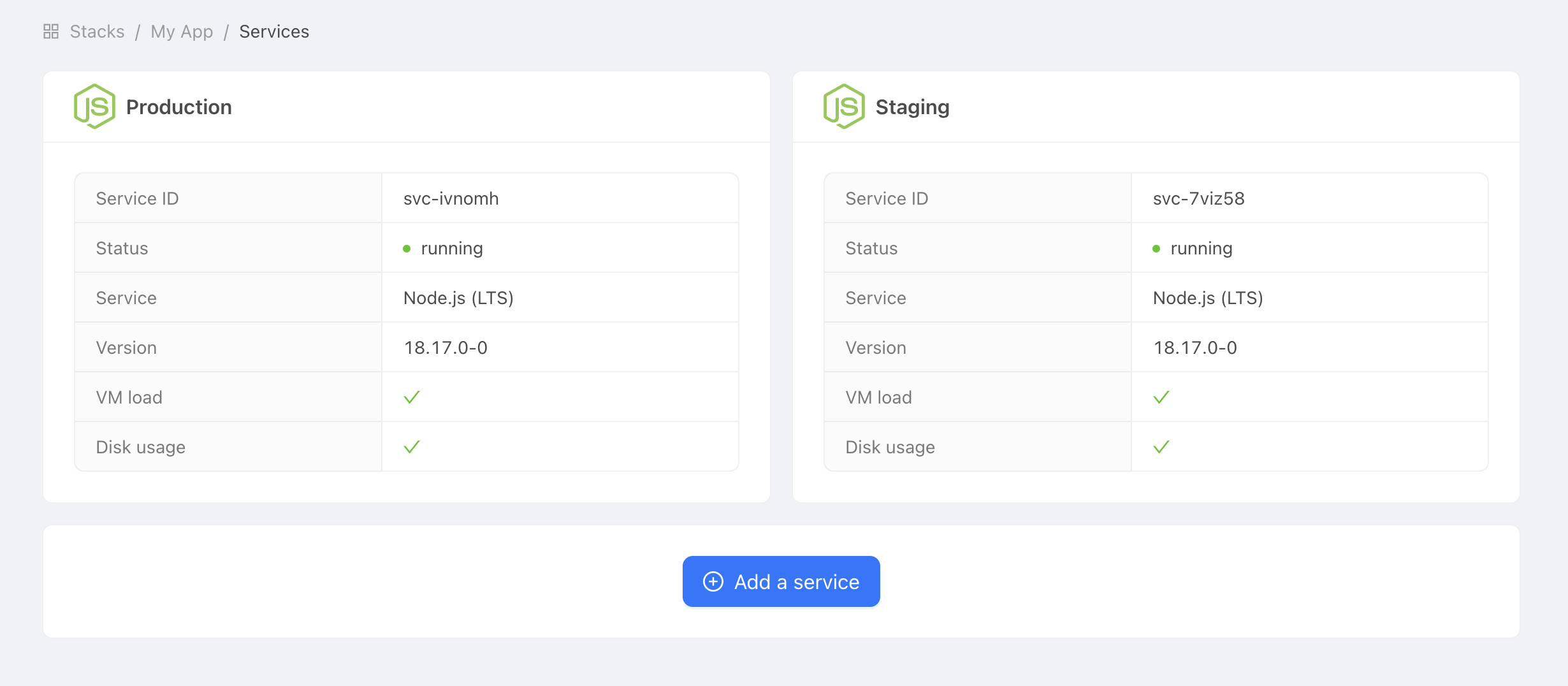 Example of production and staging services