 Ruby: Creating a Ruby project
This documentation is part of the Development platform guide. You can view the complete guide here: Set up your development environment for a smooth and efficient workflow.
👋 Welcome to the Stackhero documentation!
Stackhero provides a ready-to-use Ruby cloud solution offering a range of advantages, including:
- Deploy your application within seconds using a simple
git push.- Use your own domain name and benefit from the automatic configuration of HTTPS certificates for enhanced security.
- Take advantage of automatic backups, one-click updates, and clear, transparent, and predictable pricing.
- Enjoy optimal performance and enhanced security thanks to a private, dedicated infrastructure.
Save time and make your life easier: it only takes 5 minutes to try Stackhero's Ruby cloud hosting solution!
Once Ruby is installed:
asdf install ruby latest \
  && asdf global ruby latest
Install Rails:
gem install rails
Create your application (replace my_app with your project name):
rails new my_app
cd my_app
asdf local ruby latest
Start the Rails server:
bin/rails server
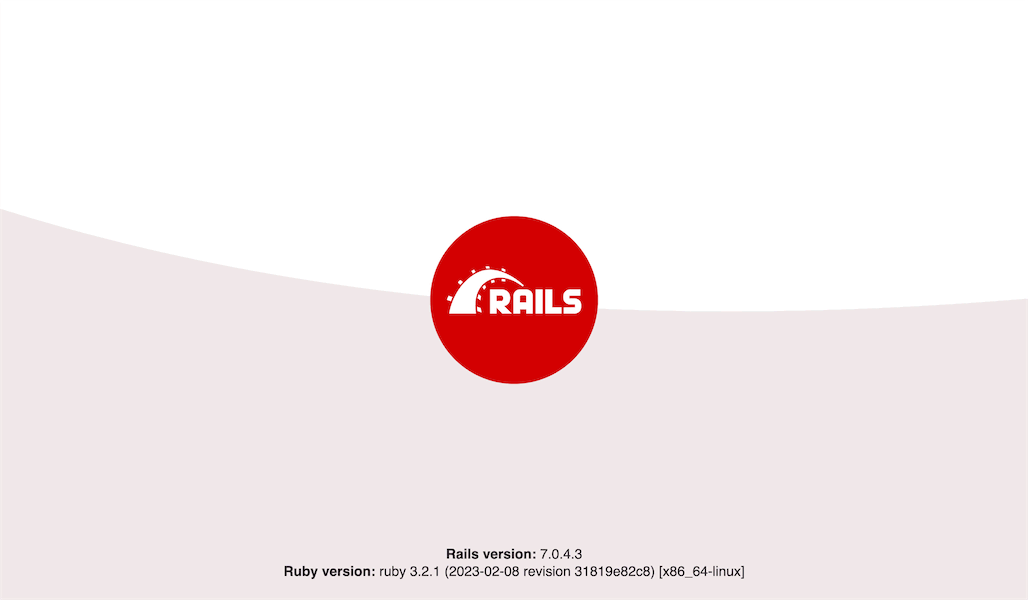 Ruby on Rails welcome screen
These steps provide you with a clean starting point for your project, and asdf ensures you always use the correct Ruby version.
By default, Rails creates a local Git repository for your project, but it is not connected to any remote hosting service.
For reliable version control and backups, you can connect your repository to a service such as GitHub, GitLab, or Bitbucket. Stackhero offers a GitLab cloud service running on dedicated infrastructure, providing you with privacy and security in Europe or the USA.
Special setup for Code-Hero
If you are working in Stackhero Code-Hero, adjust your Rails configuration for remote access. Open config/environments/development.rb and add this line just before the final end, replacing <XXXXXX>.stackhero-network.com with your Code-Hero server’s hostname:
config.hosts << "<XXXXXX>.stackhero-network.com"
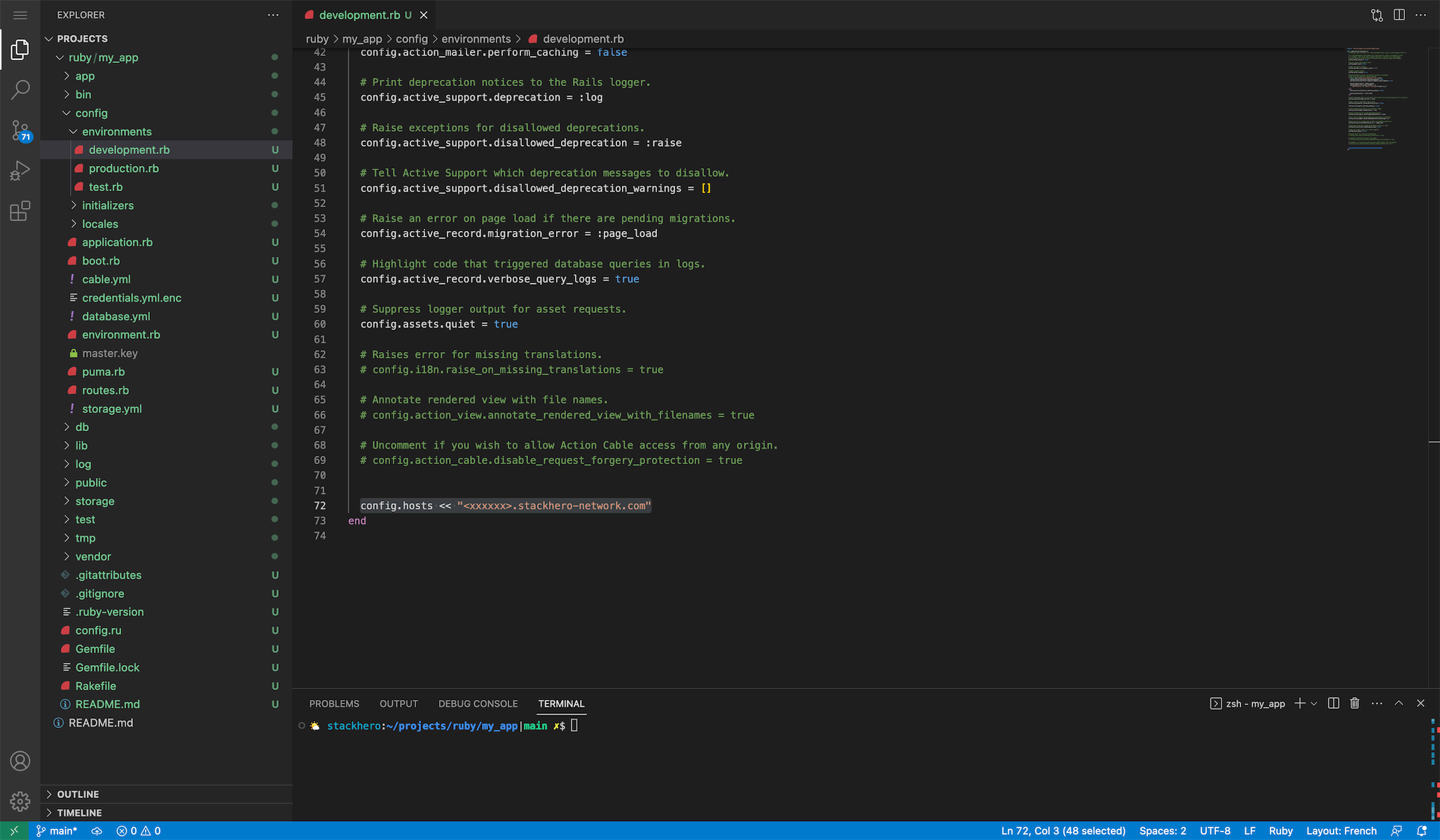 Hosts configurations example
Then start the server, binding to all network interfaces:
bin/rails server -b 0.0.0.0