 Ruby: Creating a Ruby project
This documentation is part of the Ruby on Rails quick start guide. You can view the complete guide here: Getting started with Ruby on Rails.
👋 Welcome to the Stackhero documentation!
Stackhero provides a ready-to-use Ruby cloud solution offering a range of advantages, including:
- Deploy your application within seconds using a simple
git push.- Use your own domain name and benefit from the automatic configuration of HTTPS certificates for enhanced security.
- Take advantage of automatic backups, one-click updates, and clear, transparent, and predictable pricing.
- Enjoy optimal performance and enhanced security thanks to a private, dedicated infrastructure.
Save time and make your life easier: it only takes 5 minutes to try Stackhero's Ruby cloud hosting solution!
Starting a new Ruby project is straightforward. Follow these steps to get started:
-
First, ensure you have the latest version of Ruby installed on your system. You can check this by running the following command in your terminal:
asdf install ruby latest \
  && asdf global ruby latest
If you have not installed
asdfyet, you will need to do so before continuing. Please refer to the official asdf documentation for detailed installation instructions. -
Next, install Rails. Rails is distributed as a RubyGem, which makes installation very straightforward:
gem install rails -
Then, create a new Rails application named
my_appand specify the Ruby version with these commands:rails new my_app cd my_app asdf local ruby latest -
To start the Rails server, run the following command:
bin/rails server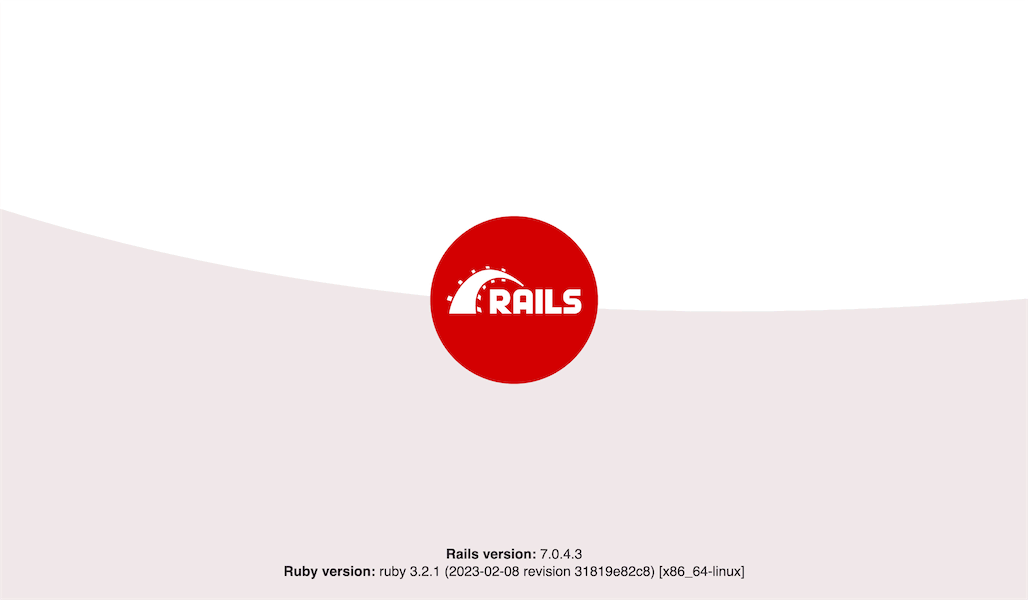 Ruby on Rails welcome screen
These steps create a new Ruby project while setting the appropriate Ruby version. This provides a solid foundation for your application development.
Important: When you run the
rails newcommand, a local Git repository is automatically created for your Ruby project. However, it is not yet connected to a remote version control service.For proper version control and data security, it is recommended to connect your project to a hosting service such as GitLab, GitHub, or Bitbucket.
If you need a repository hosting service, Stackhero offers a GitLab cloud service that can be set up in just 2 minutes.