Verifying log forwarding
This documentation is part of the Forward logs to Graylog guide. You can view the complete guide here: Learn how to configure your Stackhero instances to forward system logs to Graylog for centralised log management..
To ensure that logs are being forwarded correctly:
- Open the Graylog web interface.
- Navigate to the Search section.
- Enter a query, such as "logs from".
- Look for log entries from your instance (e.g., "Logs from svc-xxxxxx") sent to
<XXXXXX>.stackhero-network.com:12201.
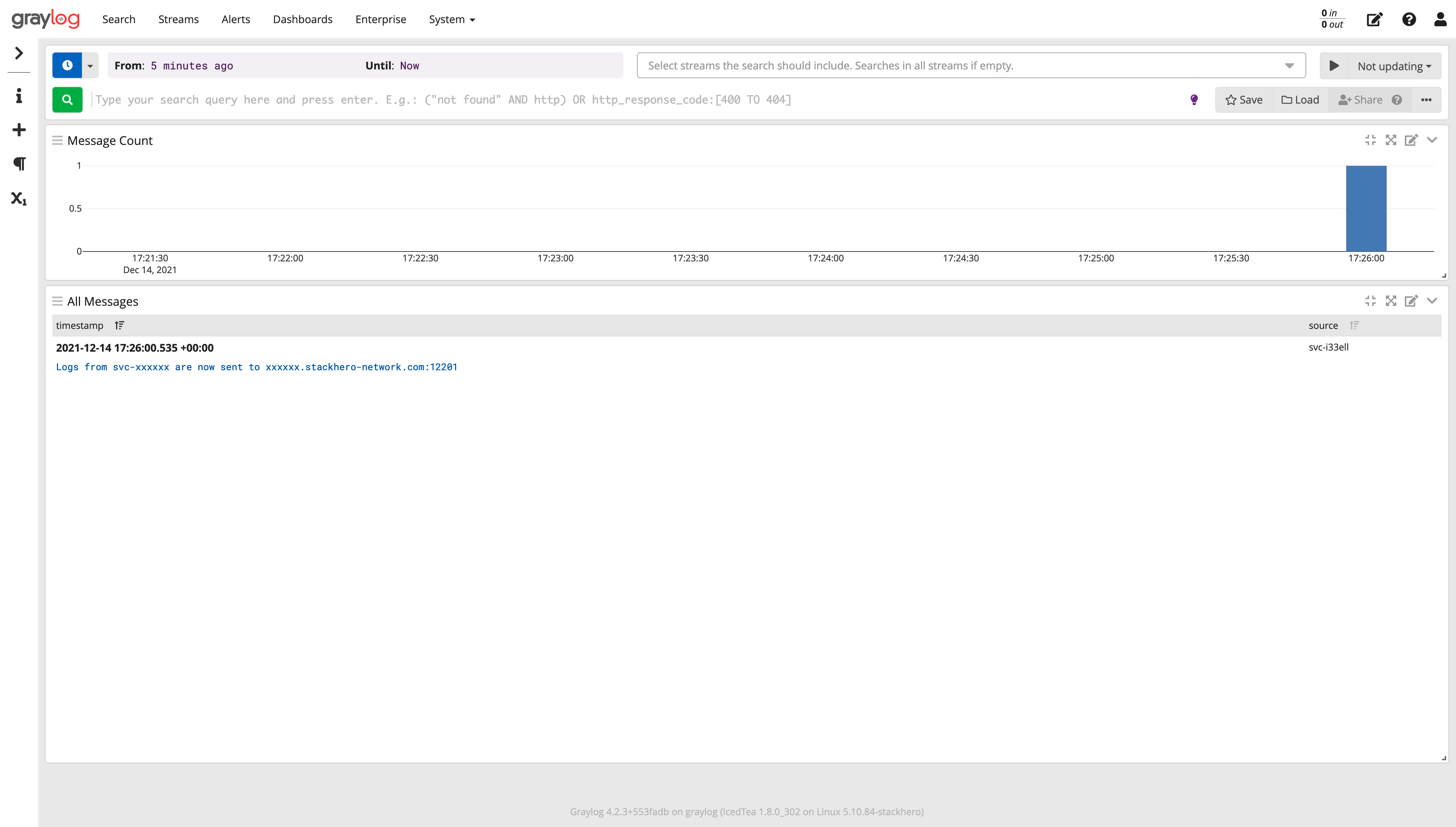 Graylog Receiving Logs Example
Congratulations! Your Stackhero instances are now successfully forwarding logs to your Graylog server. This setup enables centralised and scalable log monitoring and analysis.