 Elasticsearch: Add the plugin to Elasticsearch
This documentation is part of the Ingest Attachment Plugin guide. You can view the complete guide here: How to extract data from PPT, XLS, and PDF files to Elasticsearch.
👋 Welcome to the Stackhero documentation
Stackhero offers a fully managed Elasticsearch cloud service, designed for professionals who require reliable search, analytics, and logging at scale.
- Consistent performance and enhanced security with a private, dedicated infrastructure.
- Easily set up a custom domain name secured by HTTPS.
Get started quickly and focus on your business: you can have a production-ready Elasticsearch cloud hosting environment in around 5 minutes, with routine maintenance and security managed for you.
First, enable the plugin in your Stackhero Elasticsearch configuration:
- Go to the Elasticsearch section in your Stackhero dashboard.
- Select the
ingest-attachmentplugin from the available options.
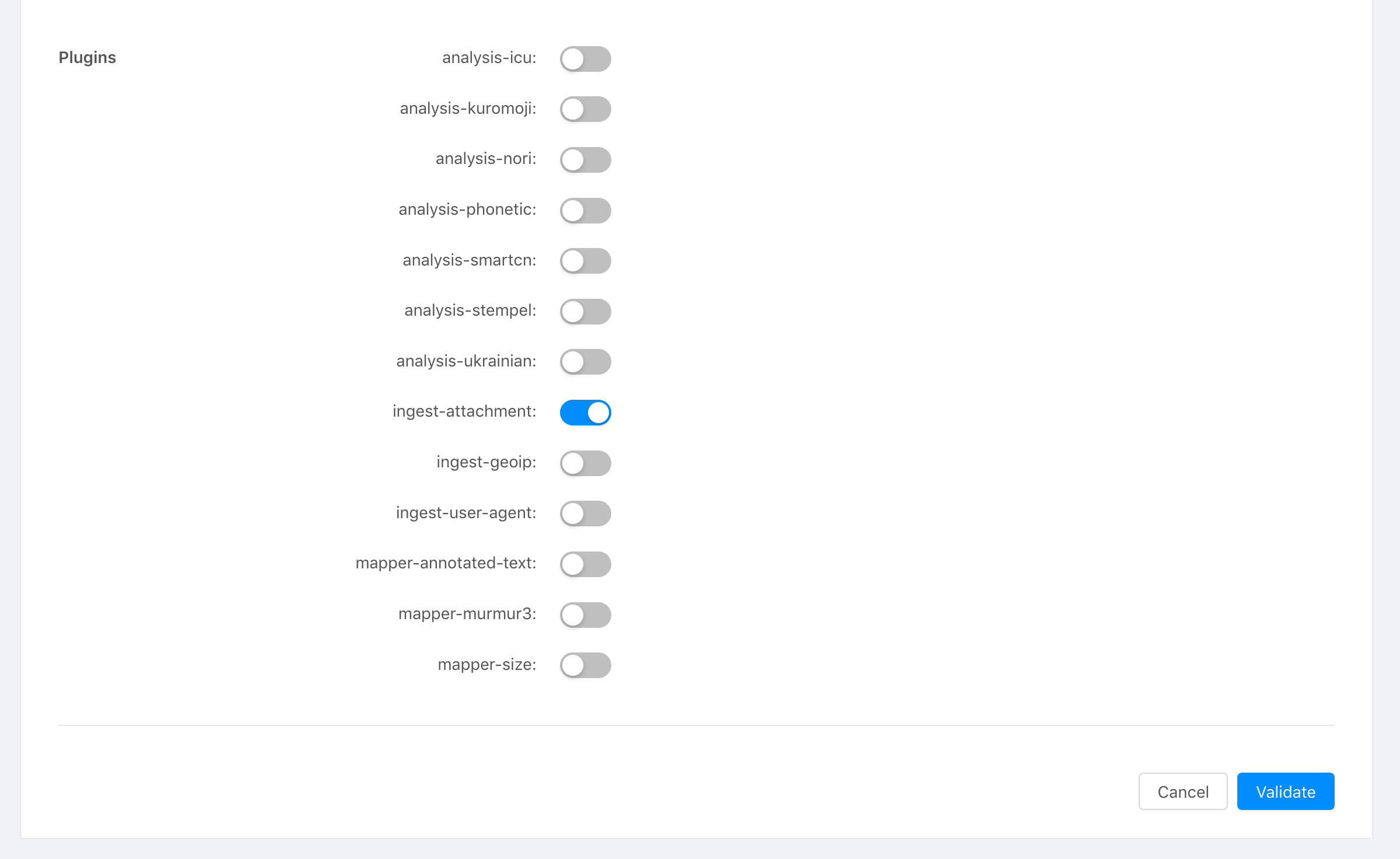 Stackhero dashboard