 Elasticsearch: Declare the attachment pipeline
This documentation is part of the Ingest Attachment Plugin guide. You can view the complete guide here: How to extract data from PPT, XLS, and PDF files to Elasticsearch.
👋 Welcome to the Stackhero documentation
Stackhero offers a fully managed Elasticsearch cloud service, designed for professionals who require reliable search, analytics, and logging at scale.
- Consistent performance and enhanced security with a private, dedicated infrastructure.
- Easily set up a custom domain name secured by HTTPS.
Get started quickly and focus on your business: you can have a production-ready Elasticsearch cloud hosting environment in around 5 minutes, with routine maintenance and security managed for you.
Next, declare the attachment pipeline in Elasticsearch. In this example, the content you wish to extract is stored in the data field:
PUT _ingest/pipeline/attachment
{
  "description": "Extract attachment information",
  "processors": [
    {
      "attachment": {
        "field": "data"
      }
    }
  ]
}
We recommend using the "Dev Tools" in Kibana for a simple copy/paste execution of this command.
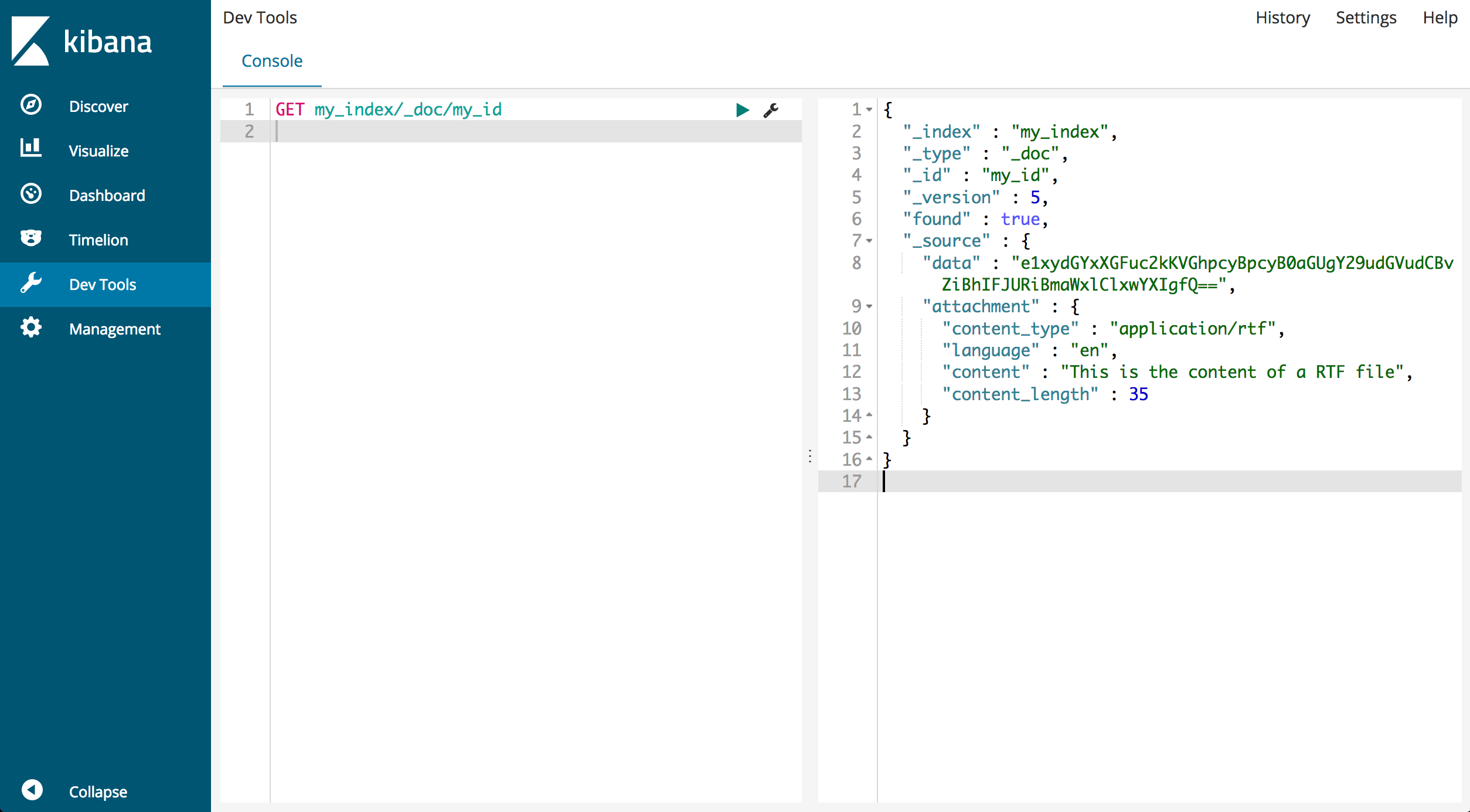 Dev tools Kibana