 Mosquitto: WebSockets
How to connect to MQTT using WebSockets
👋 Welcome to the Stackhero documentation!
Stackhero provides you with a fully managed Mosquitto MQTT cloud environment, designed for reliability and flexibility:
- Unlimited message throughput and data transfers, so your workflows never encounter artificial limits.
- Unlimited device authentication via your own external API, making onboarding and access management straightforward.
- Advanced ACLs for precise control over topics, users, and actions.
- A custom domain name with integrated HTTPS for secure, branded endpoints (for example: https://mqtt.your-company.com).
- Effortless updates: apply improvements or security patches with a single click.
- Consistent performance and enhanced security, with every instance running on a private, dedicated infrastructure.
Accelerate your IoT projects and reduce operational overhead. You can have a secure, production-ready Mosquitto MQTT cloud hosting instance up and running in just a few minutes.
You have two main options for connecting to Mosquitto: the native MQTT protocol or WebSockets.
The MQTT protocol is widely recognised for its lightweight nature, making it particularly well-suited to IoT devices and environments with limited resources. However, most web browsers do not support direct MQTT connections. This is where WebSockets become useful, as they allow you to use MQTT over a WebSocket connection, enabling interaction with MQTT servers from your web applications.
To get started with WebSockets, simply enable the "WebSocket support" option in your Stackhero dashboard. Once this feature is enabled, you just need to configure your client to use the WebSocket URL: wss://<XXXXXX>.stackhero-network.com:443. This replaces the standard secure MQTT URL, which is: mqtts://<XXXXXX>.stackhero-network.com.
Choosing an MQTT library
If your application is written in JavaScript, you may wish to use the MQTT.js library. It is a flexible solution that works both in Node.js environments and directly in the browser. The library documentation and source code are available here: https://github.com/mqttjs/MQTT.js.
Example: Connecting to MQTT via WebSockets
You can find a practical demonstration for connecting a web application to an MQTT server using WebSockets in this example repository: https://github.com/stackhero-io/mqttWebSocketGettingStarted.
When testing this example, remember to update the src/index.html file with your own server's url, username, and password.
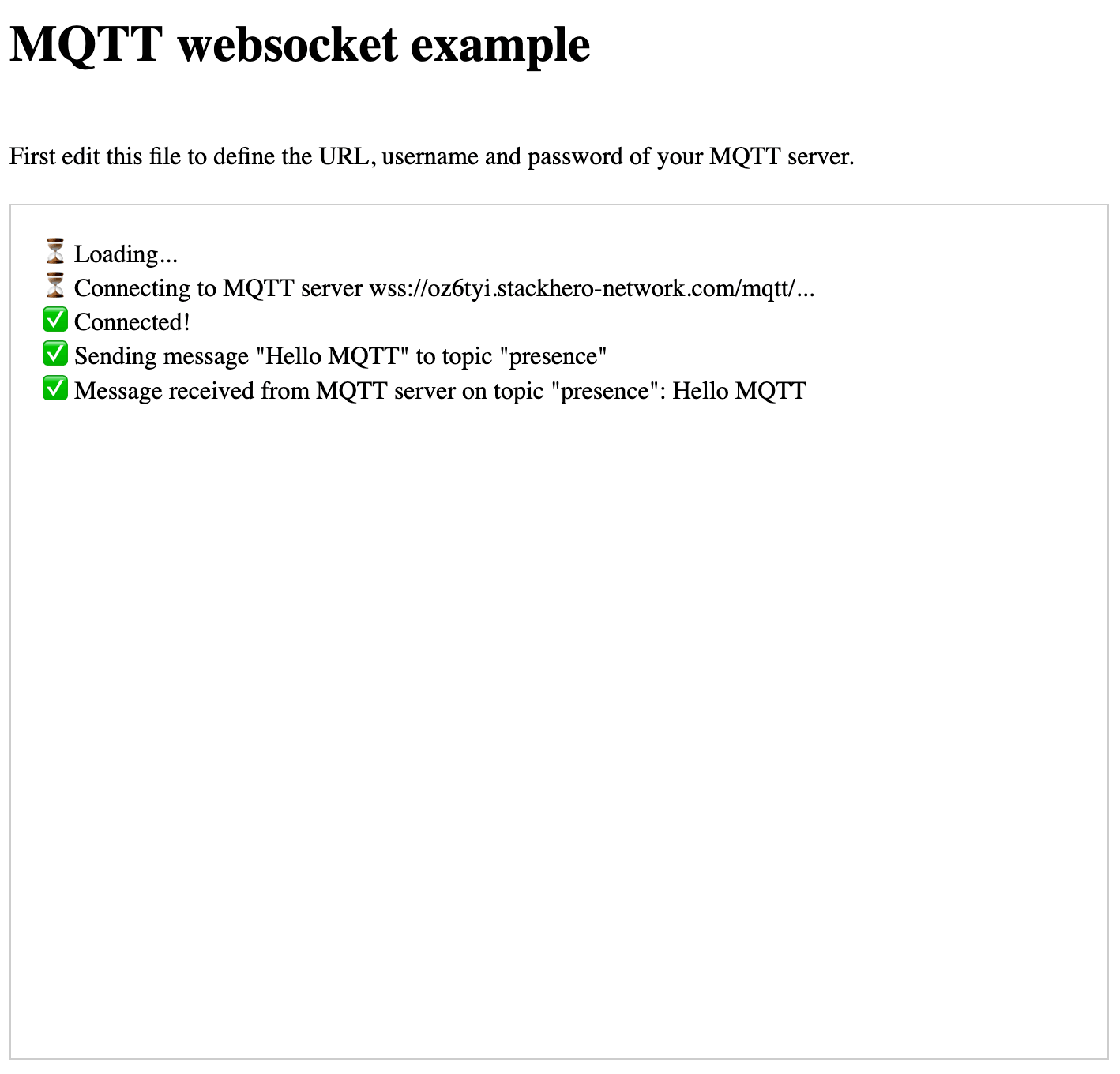 MQTT WebSocket example
Remember to enable WebSocket support in the Stackhero dashboard before proceeding.