 Docker: Creating the Docker services
This documentation is part of the Deploy with GitHub Actions guide. View the full guide here: Learn how to deploy your Docker containers using GitHub Actions.
Welcome to the Stackhero documentation
Stackhero provides a ready-to-use Docker cloud CaaS (Containers as a Service) platform, designed for fast and reliable container deployments:
- Deploy to production with a single
docker-compose up. There is no extra setup: just start your containers.- Pick your own domain name, secured automatically with HTTPS (for example: https://api.your-company.com, https://www.your-company.com, or https://backoffice.your-company.com).
- Benefit from strong performance and robust security on private, dedicated infrastructure.
- Apply updates with one click for simple, low-effort maintenance.
You can have your containers live in production in about five minutes. Stackhero manages the infrastructure, updates, and security for you, so you can focus on delivering your applications. Read more about Docker CaaS cloud hosting.
Begin by logging into your Stackhero dashboard and creating two Stackhero services, one for staging and one for production. To help stay organized and minimize errors, you might want to rename these services to "Staging" and "Production".
Do you not have a Stackhero account yet? You can create one for free in just two minutes and then set up your Docker cloud services with only a few clicks.
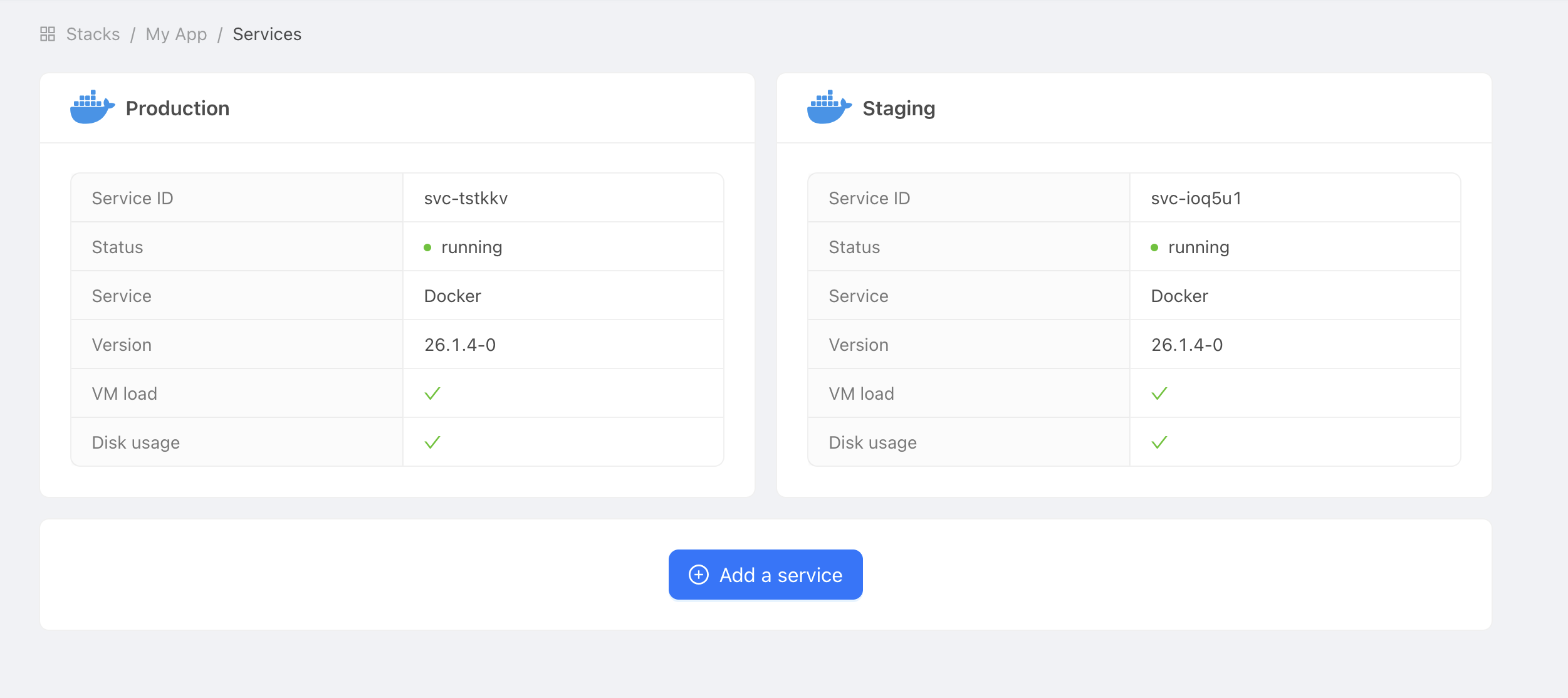 Example of Docker services