 Grafana: Adding a Blackbox Exporter dashboard
This documentation is part of the Using Prometheus guide. View the full guide here: How to configure Grafana to use Prometheus as a data source.
👋 Welcome to the Stackhero documentation!
Stackhero gives you a ready-to-use Grafana cloud environment built for quick setup and reliable performance:
- Unlimited users, dashboards, and alerts: scale your monitoring as needed, without artificial limits.
- Dedicated SMTP email server included, so you can send all the notifications you want, with no quotas to track.
- One-click plugin installation streamlines adding new features to Grafana.
- Built-in SSO support for
GitLab,GitHub,OAuth2provider. User management stays simple and secure.- One-click updates keep your Grafana instance current, with no downtime or maintenance hassle.
- Use your own custom domain with automated HTTPS provisioning for secure, branded access (for example, https://grafana.your-company.com).
- High performance and strong security are standard, running on your own private, dedicated infrastructure.
Get started faster and save setup time: a secure Grafana cloud hosting instance is ready in about 5 minutes.
Grafana supports pre-configured dashboards for the Blackbox Exporter. To add one:
- In the Grafana UI, go to
Create>Import. - Enter one of the following IDs:
7587,11175,11529, or13659, and clickLoad. - Select your Prometheus data source and click
Import.
This process adds a dashboard designed for Blackbox Exporter data visualization. Use the Job selector at the top left to focus on specific instances.
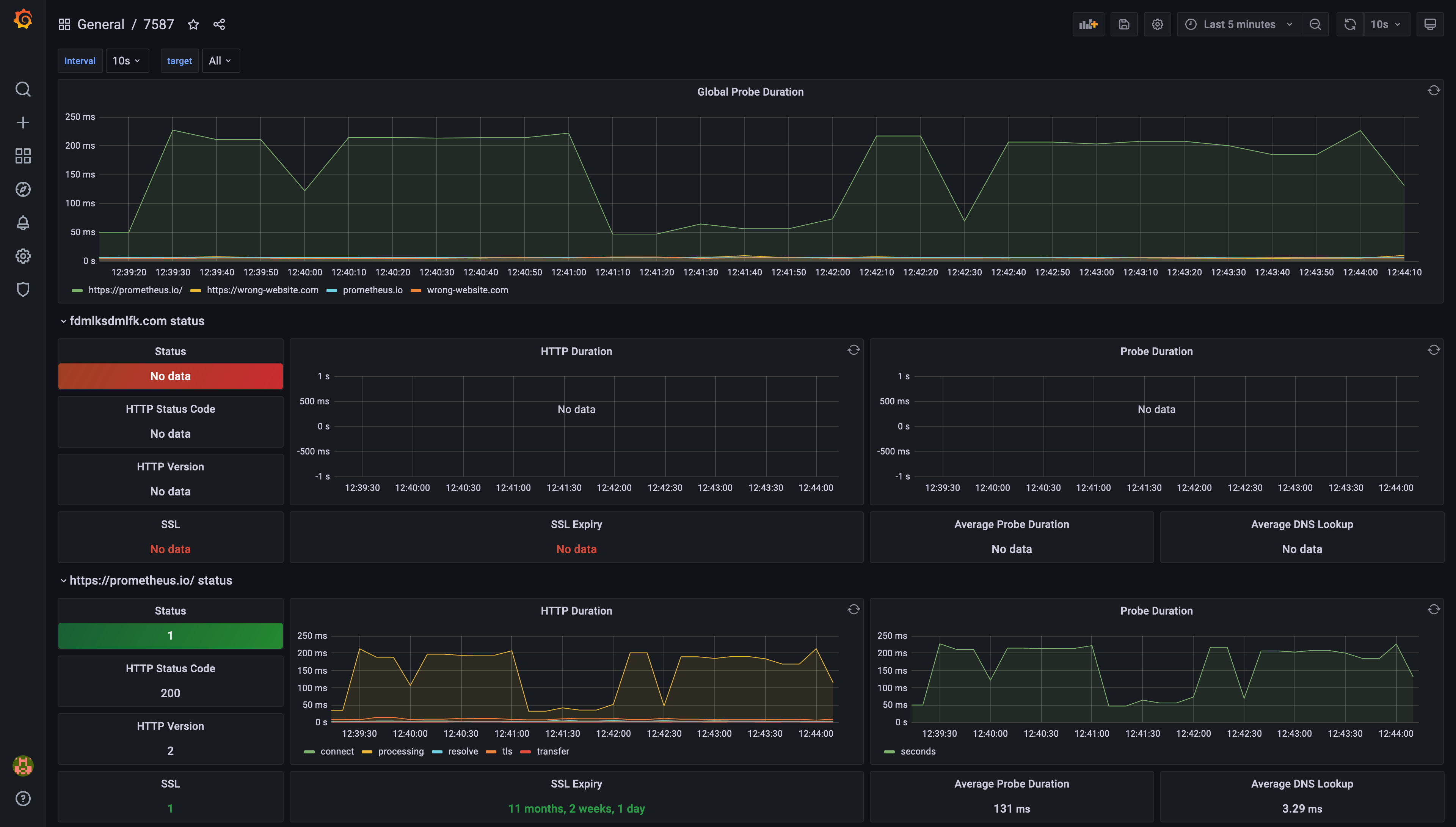 Example of pre-configured dashboard ID 7587
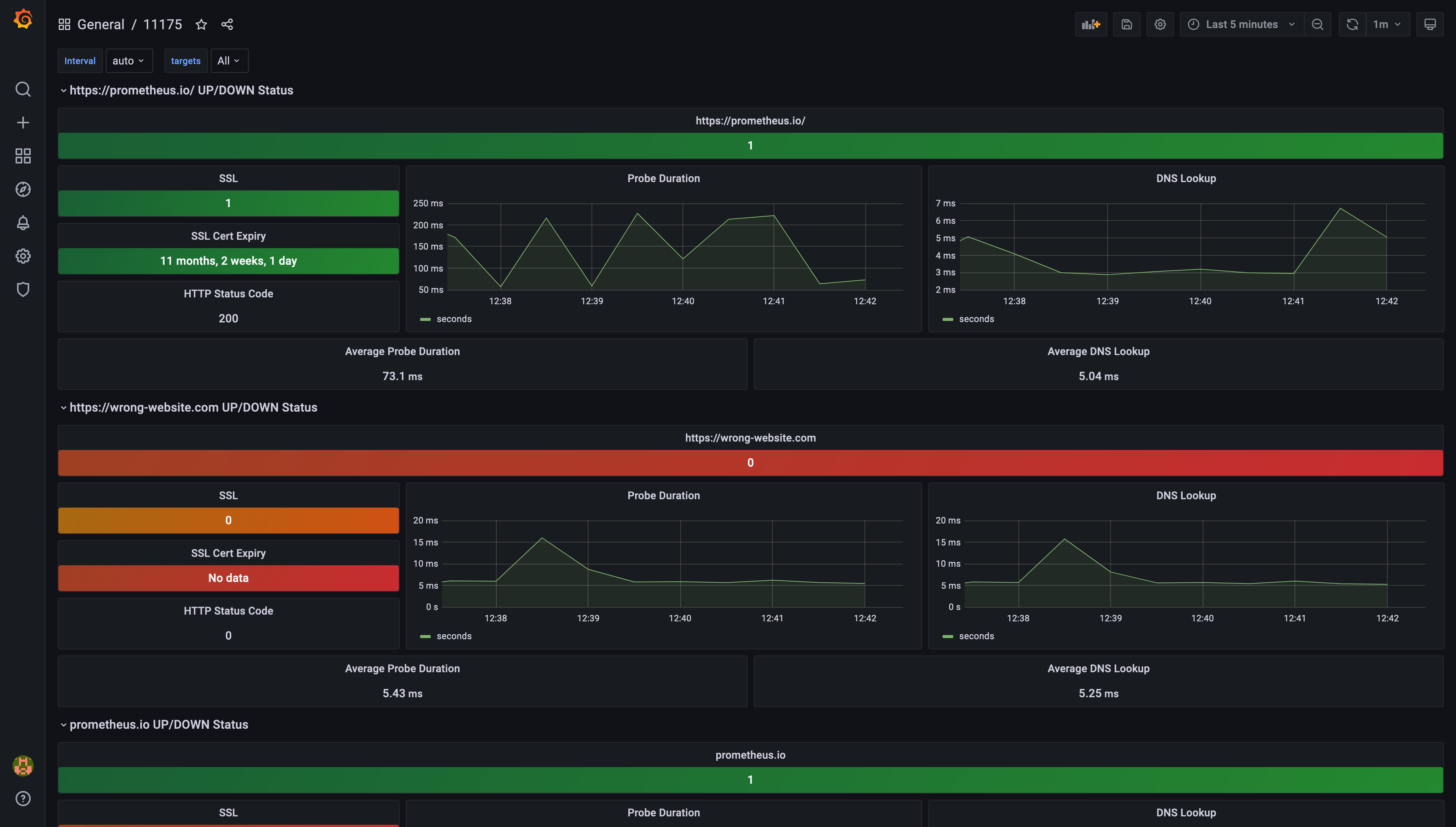 Example of pre-configured dashboard ID 11175
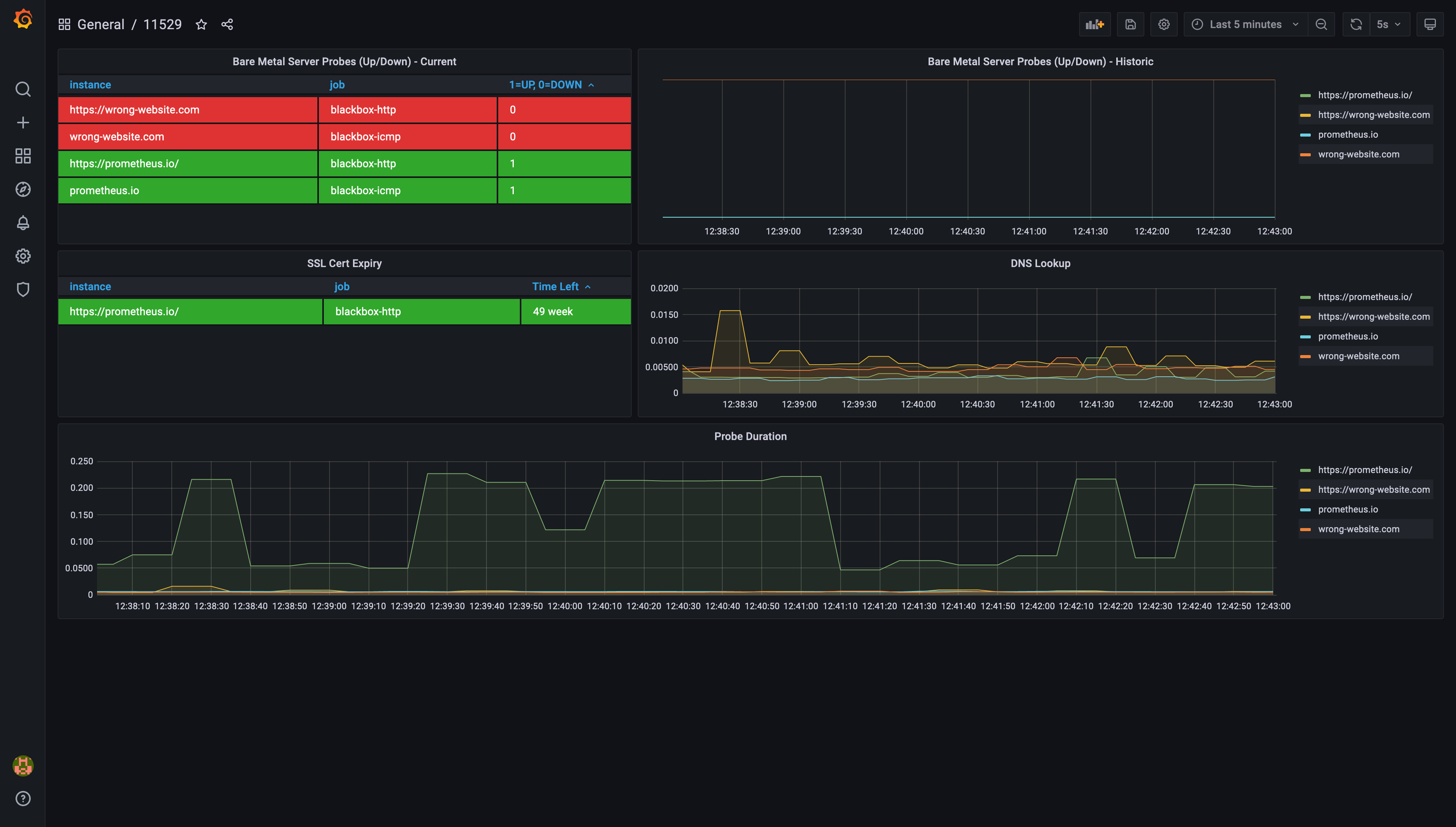 Example of pre-configured dashboard ID 11529
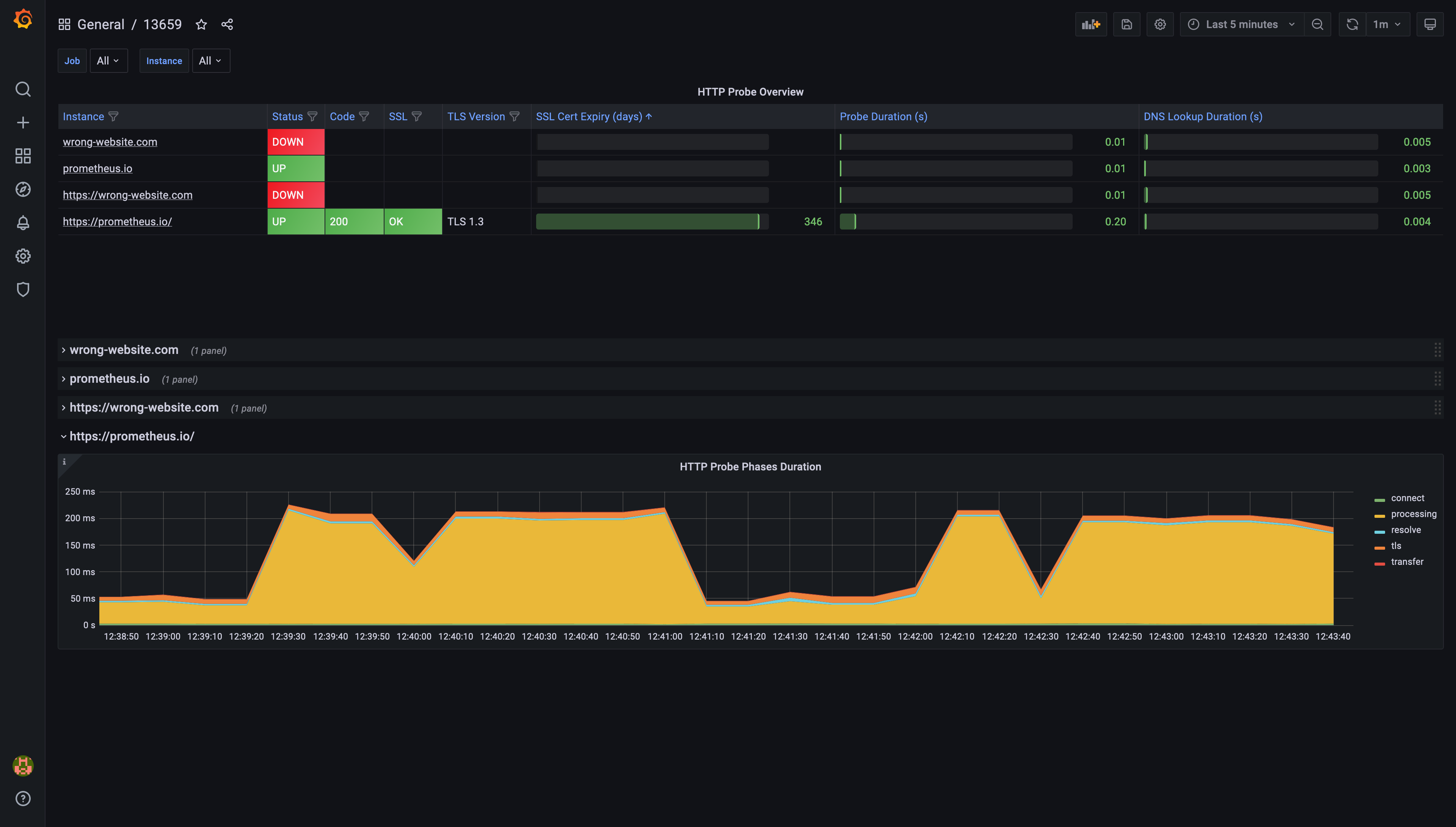 Example of pre-configured dashboard ID 13659